Over the years, FreshBooks has onboarded numerous small businesses and entrepreneurs who are looking to automate their invoicing and accounting.
While some businesses are satisfied with the features and costs, others need a more balanced solution in terms of features and costs that better caters to their business.
If you're one of them, you've come to the right place.
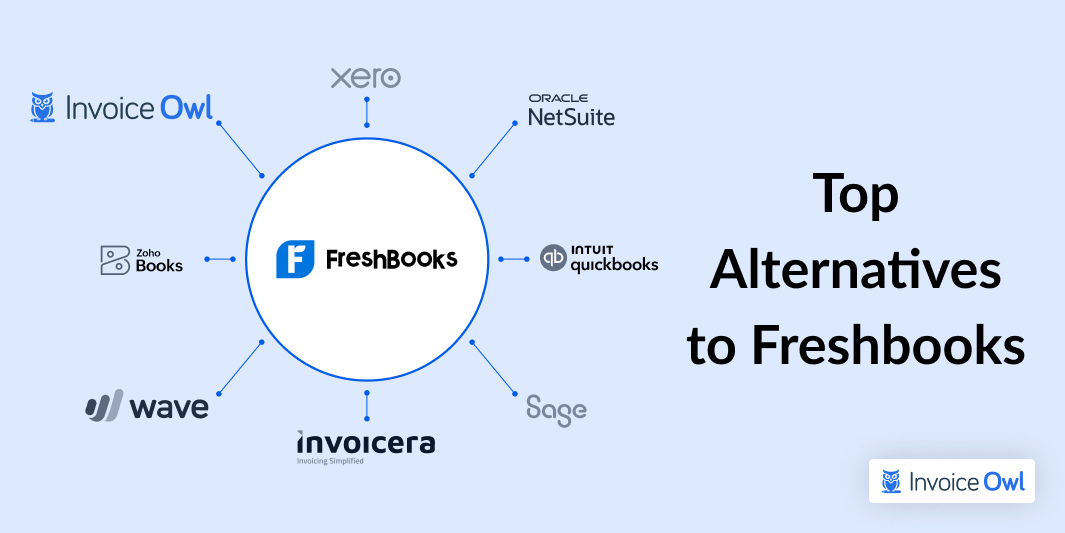
The following article gives you an overview of the top alternatives to FreshBooks that you can consider.
What You'll Learn
- 01Why and when you should consider switching from FreshBooks
- 02How we evaluated and analyzed each FreshBooks alternative
- 03Detailed comparison of 10 leading invoicing and accounting platforms
- 04Key features, pricing, and user ratings for each alternative
- 05Which software works best for different business types and budgets
Why and When to Consider a FreshBooks Alternative?
FreshBooks is a cost-effective tool for businesses but if you have a growing business that requires some advanced features like audit trails and e-signatures. If your business is in a phase where it has a growing customer base, or even when you need to opt for a free tool, you can consider an alternative to FreshBooks.
Here are some of the reasons why you should consider a FreshBooks alternative:
- Specific features: FreshBooks offers a range of features that a small business may not need in their accounting software. If you're just looking for basic accounting and invoicing features, you should look for a specific invoice-generating tool that offers only the core functionalities that your business needs.
- Cost-effectiveness: FreshBooks's lite plans have a limit of sending unlimited invoices to only up to 5 clients. You need to upgrade and pay more if you have more clients, which may seem expensive.
- Better overall experience: Some businesses shift from FreshBooks to an alternative to avoid a steep learning curve, get better customer service, or a more intuitive user experience.
How We Evaluated These Tools
We conducted extensive research on various invoicing and accounting software and specifically focused on those tools that offer similar features, customer support, and functionalities.
We assessed around 24 tools on popular review platforms like G2, Capterra, and Software Advice to gather user experiences. This allowed us to get a detailed understanding of how different industries and users are using invoice and accounting tools, their popular features, and their user experience with each of them.
Based on the findings, we shortlisted 10 tools based on their strengths, weaknesses, and those that were the closest and most efficient alternatives to Freshbooks.
Quick Comparison
At-a-Glance Comparison
| # | Software | Price | Rating | Best For |
|---|---|---|---|---|
| 1 | InvoiceOwl | $9.99/mo | 4.5 | Easy adaptation & contractors |
| 2 | Zoho Books | $15/mo | 4.5 | Comprehensive mobile features |
| 3 | Wave | Free | 4.5 | Startups with limited features |
| 4 | Invoicera | $3.5/mo | 4.6 | Global operations |
| 5 | Sage 50 | $60.08/mo | 3.8 | End-to-end finance & inventory |
| 6 | QuickBooks | $17/mo | 4.0 | Scalable accounting solution |
| 7 | NetSuite | Custom | 4.0 | Enterprises using NetSuite ERP |
| 8 | Xero | $15/mo | 4.5 | Multiple features & 24/7 support |
| 9 | ZipBooks | Free | 4.7 | Financial management for SMBs |
| 10 | Hiveage | $0/mo | 4.4 | User-friendly invoice generation |
Jump to Software
InvoiceOwl
InvoiceOwl
Best for easy adaptation

InvoiceOwl is an invoice and estimate generation tool that helps small businesses automate receiving payments, streamline invoices, and reduce accounting-related paperwork.
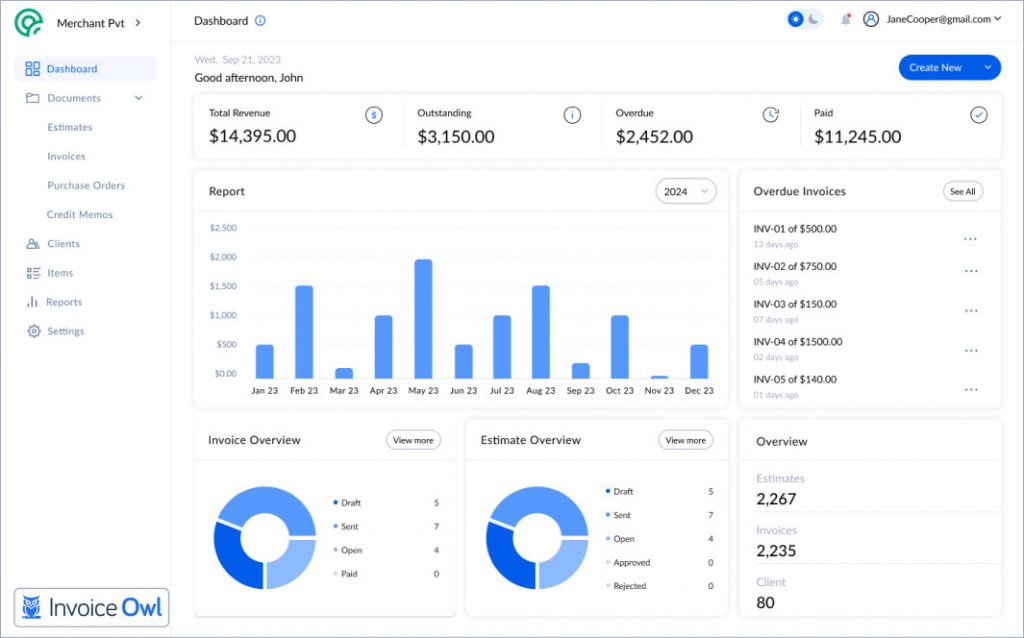
The platform caters to solopreneurs and small HVAC, landscaping, and construction businesses that rely significantly on paper-based invoices and enter data manually. The tool offers an easy-to-use and intuitive design.
Businesses can generate invoices on the go, approve payments with e-signatures, manage purchase orders, and digitize their payment processes by sending online payment links. InvoiceOwl offers an array of features that help businesses improve cash flows and manage multiple companies' invoices under a single platform.
InvoiceOwl is well-liked by small business owners in the US because it's easy to use and follows all the tax rules, including those from the Internal Revenue Service (IRS) and state laws.
I can create estimates on-the-go and convert them to invoices easily. The eSign feature saves a lot of back-and-forth with clients.
Pricing & cost-benefit analysis: InvoiceOwl vs FreshBooks

Zoho Books
Zoho Books
Best for comprehensive mobile features

Zoho Books is an accounting software that provides comprehensive accounting features for managing finances, automating business workflows, and collaborating across departments.
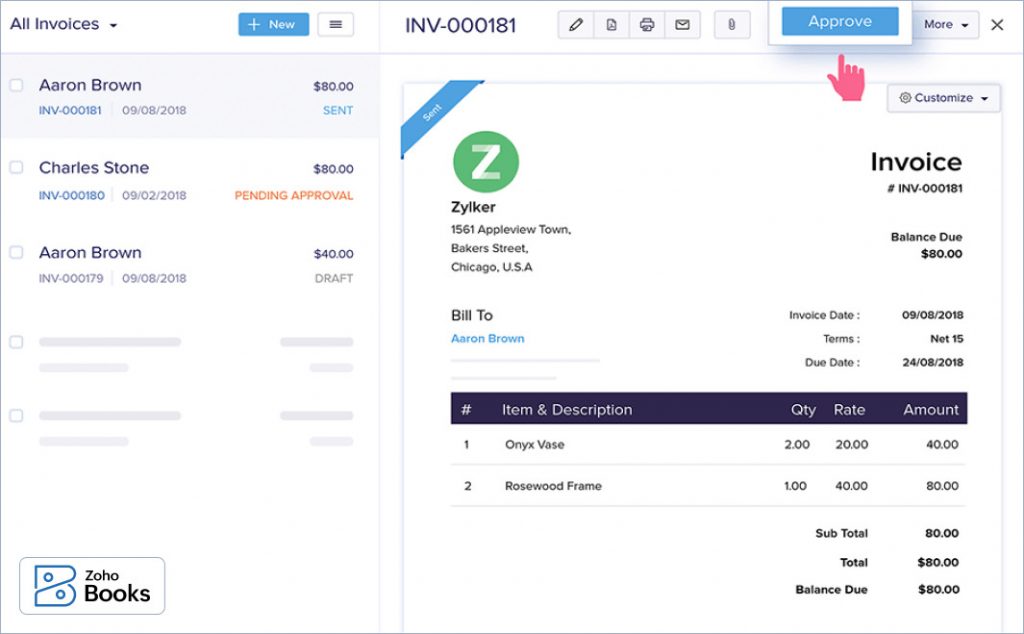
Primarily, Zoho Books caters to small and growing businesses, including those in electrical and construction.
Zoho Books also specializes in bookkeeping and Customer Relationship Management (CRM) software and even provides users with seamless integrations with other Zoho products and third-party apps.
- Comprehensive set of features suitable for enterprises
- Advanced inventory control in higher-tier plans
- Capable and feature-rich mobile app
- Seamless integration with Zoho ecosystem
- Can be overwhelming for businesses needing basic features
- Higher learning curve compared to simpler alternatives
- Premium features locked in expensive tiers
Wave
Wave
Best for new startups looking for limited features
Wave is an accounting software for small businesses and freelancers looking to create, customize, and send invoices.
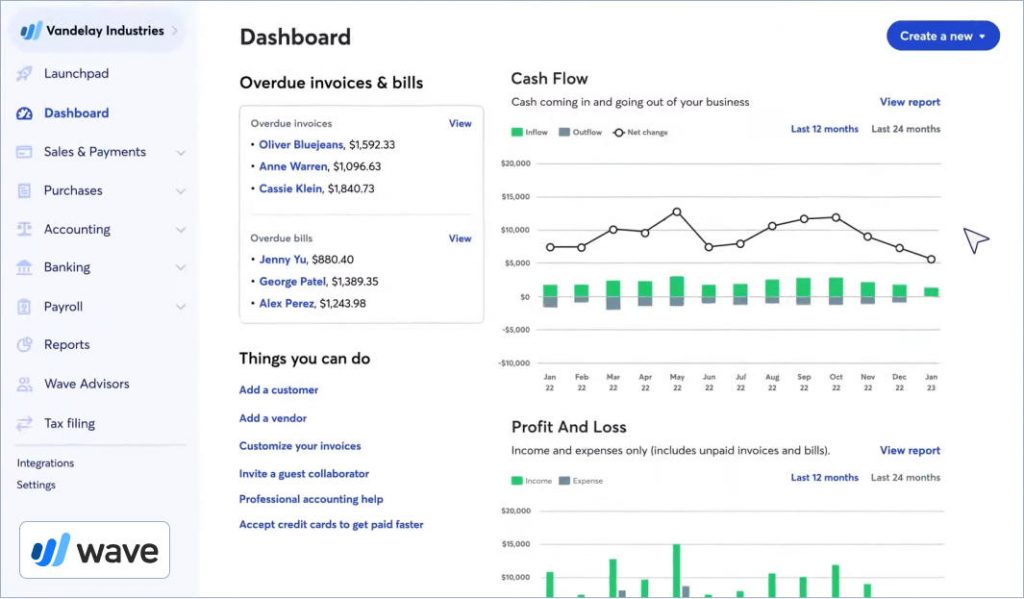
Wave also offers integration with its other financial tools, such as Wave accounting and finance management. Therefore, the integrations offer small businesses the convenience of managing their expenses under an all-in-one solution.
- Completely free starter plan
- Good for businesses with small teams
- Integrates with other Wave financial tools
- Simple recurring invoicing setup
- Limited features compared to paid alternatives
- Transaction fees on payments can add up
- Customer support limited on free plan
Invoicera
Invoicera
Best for businesses with global operations
Invoicera is a finance and accounting software for freelancers and enterprises for facilitating faster billing, time tracking, and easy payments.
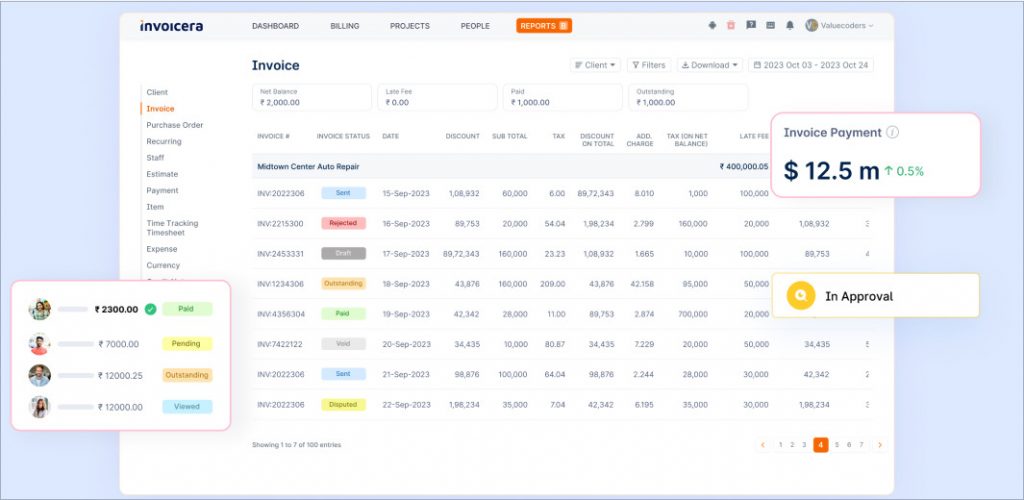
Invoicera also supports multi-currency and multilingual invoicing, making it an apt choice for companies having a global clientele. It provides integrations with over 25 payment gateways and extensive customization options for invoice generation.
- Multilingual and multicurrency support
- Integrations with over 25 payment gateways
- Very affordable starting price
- Unlimited invoice generation and personalization
- Interface can feel dated compared to competitors
- Some advanced features require higher-tier plans
- Mobile app could be more intuitive
Sage 50
Sage 50
Best for managing end-to-end finances and inventories

Sage 50 is one of the best accounting software for small businesses looking to automate end-to-end financial management.
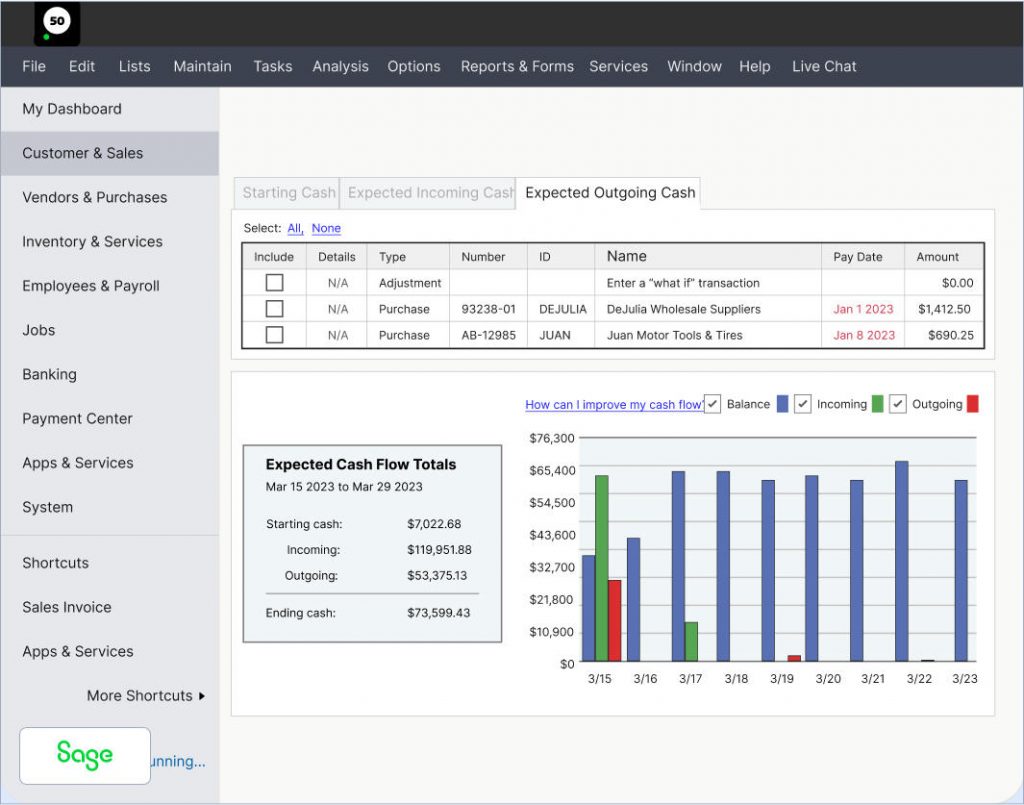
The platform allows users to manage all aspects of their invoicing, income tracking, and handling recurring billing.
Sage 50 offers a range of financial tools that integrate seamlessly with its invoicing features, ensuring accurate accounting and streamlined cash flow management.
- Better cash flow features than FreshBooks
- Generous client limits
- Ideal for complex inventories and accounting
- Customizable report templates
- Higher price point than most alternatives
- Desktop-focused with limited mobile features
- Steeper learning curve for beginners
QuickBooks
QuickBooks
Best for enterprises looking for a scalable accounting solution

QuickBooks is an invoicing and cloud-based accounting software that provides a list of comprehensive features, such as invoicing, expense tracking, and payroll along with a user-friendly interface.
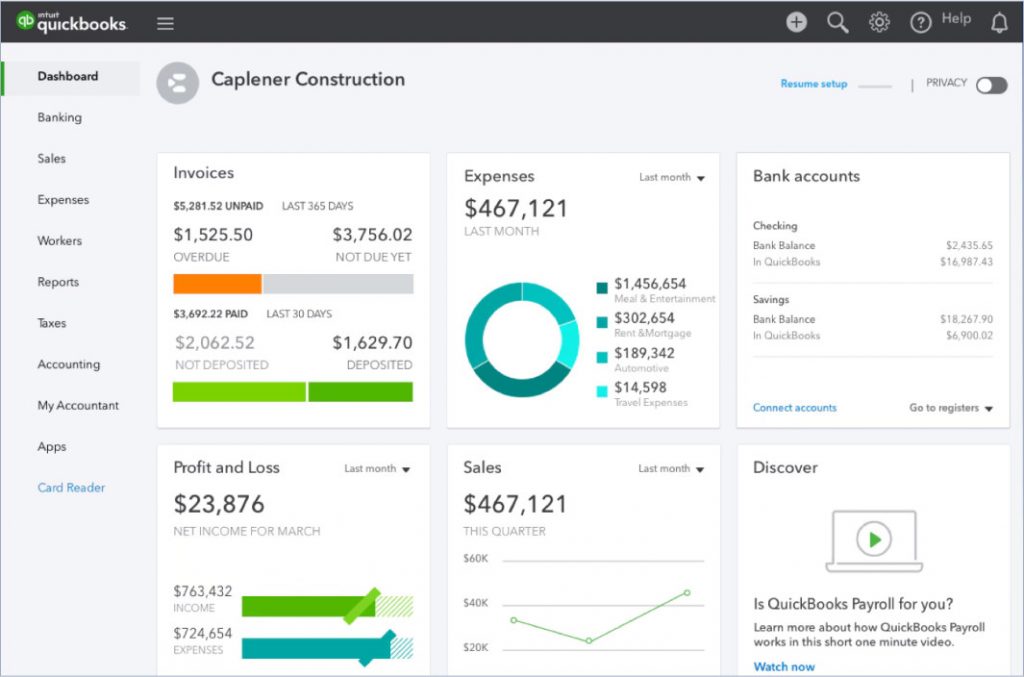
QuickBooks' clientele majorly includes small to medium-sized businesses that want to streamline their tax preparation, generate real-time financial insights, and integrate third-party integrations. QuickBooks also offers cloud-based and desktop versions.
- Extensive accounting features beyond invoicing
- Inventory management for larger businesses
- All-in-one solution for accounting needs
- Wide range of third-party integrations
- More expensive than invoicing-only tools
- Can be complex for simple invoicing needs
- Higher tiers required for advanced features
Can track everything from revenue to costs and monthly expenses in one place. The reporting helps identify areas to maximize profits.
NetSuite
NetSuite
Best for enterprises using NetSuite ERP
NetSuite is an enterprise-resource platform that has invoice processing capabilities that allow users to create positive vendor relationships.
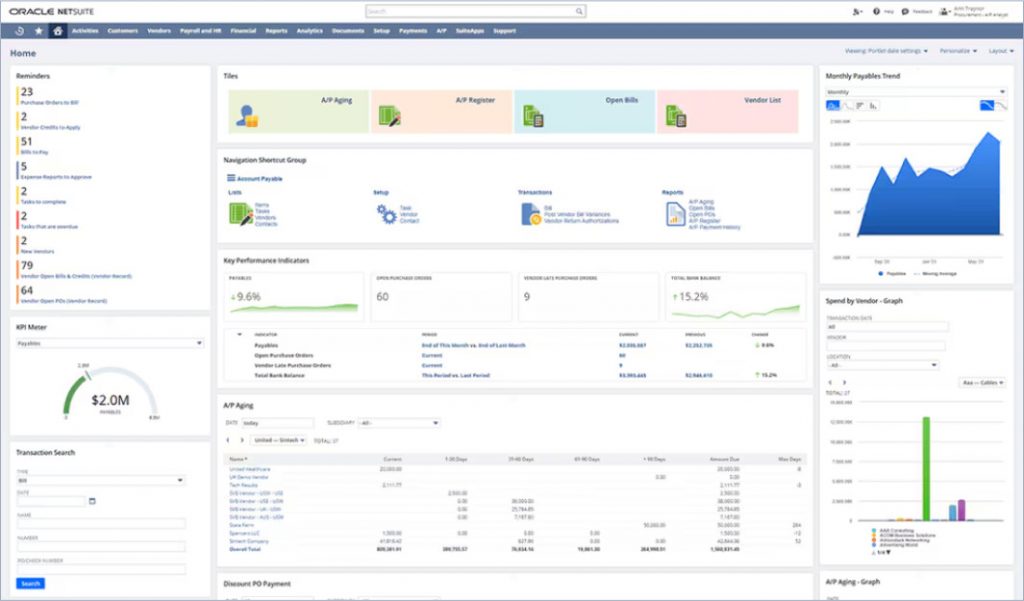
The platform helps businesses automate accounts payable, store receipts of ordered items, and remit payments promptly.
NetSuite caters to growing businesses and enterprises and provides real-time visibility into their financial and operational performance. Its scalable solution and extensive customization options make NetSuite a feasible option for businesses with multiple functionalities and complex accounting needs.
- Advanced features for budgeting and forecasting
- Compliance management for regulated sectors
- Highly scalable for enterprise growth
- Real-time financial and operational visibility
- Custom pricing can be very expensive
- Overkill for small to medium businesses
- Complex implementation and setup process
Xero
Xero
Best for enterprises looking for multiple features
Xero is an accounting software that offers numerous invoicing features, such as invoice generation, bank reconciliation, expense tracking, and financial reporting.
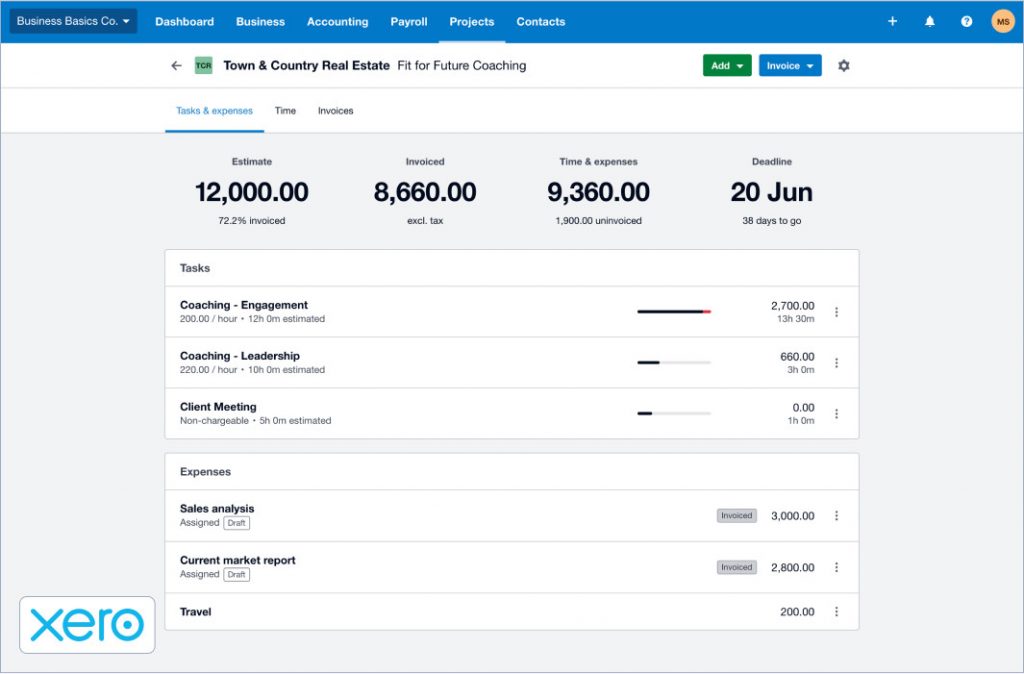
Primarily, Xero is used by small to medium-sized businesses in fencing, carpentry, and retail. The platform is known for its user-friendly interface and seamless integration with third-party apps.
Xero offers various accounting features that ease numerous tasks, such as setting up automated payment reminders and providing multiple payment options to clients. It also supports multi-currency transactions and features to simplify complex accounting tasks.
- 24/7 customer support (vs. FreshBooks' limited hours)
- User-friendly interface with clean design
- Multi-currency support for global businesses
- Extensive third-party app marketplace
- Limited features on lower-tier plans
- Transaction fees can add up
- Payroll features cost extra
ZipBooks
ZipBooks
Best for financial management for small business
ZipBooks is an accounting software that facilitates end-to-end financial management of businesses.
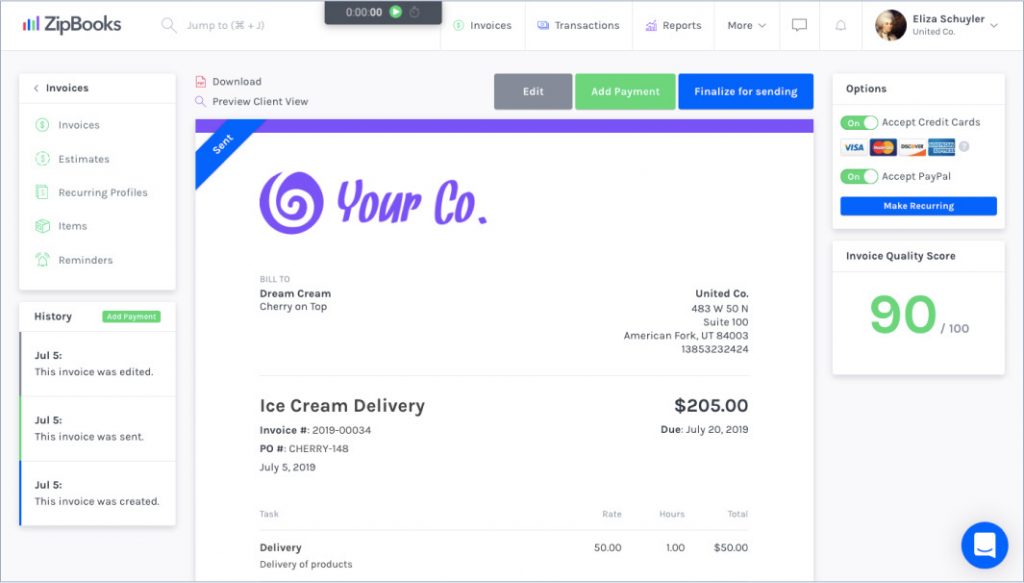
The key features of ZipBooks include invoicing, expense tracking, time tracking, project management, and built-in financial reporting tools that offer insights into business performance.
ZipBooks also provides data-driven intelligent insights that allow users to make tweaks and improve financial health. The tool integrates with multiple payment processors and allows users to set automated reminders for overdue invoices.
- Intelligent financial health scores and insights
- Built-in project management features
- Budget-friendly pricing with free plan
- Smart recommendations based on historical data
- Fewer integrations than competitors
- Advanced features limited to higher tiers
- Customer support could be more responsive
Hiveage
Hiveage
Best for invoice generation with a user-friendly interface

Hiveage is an accounting software catering to freelancers, small business owners, or agency managers to manage their finances with ease.
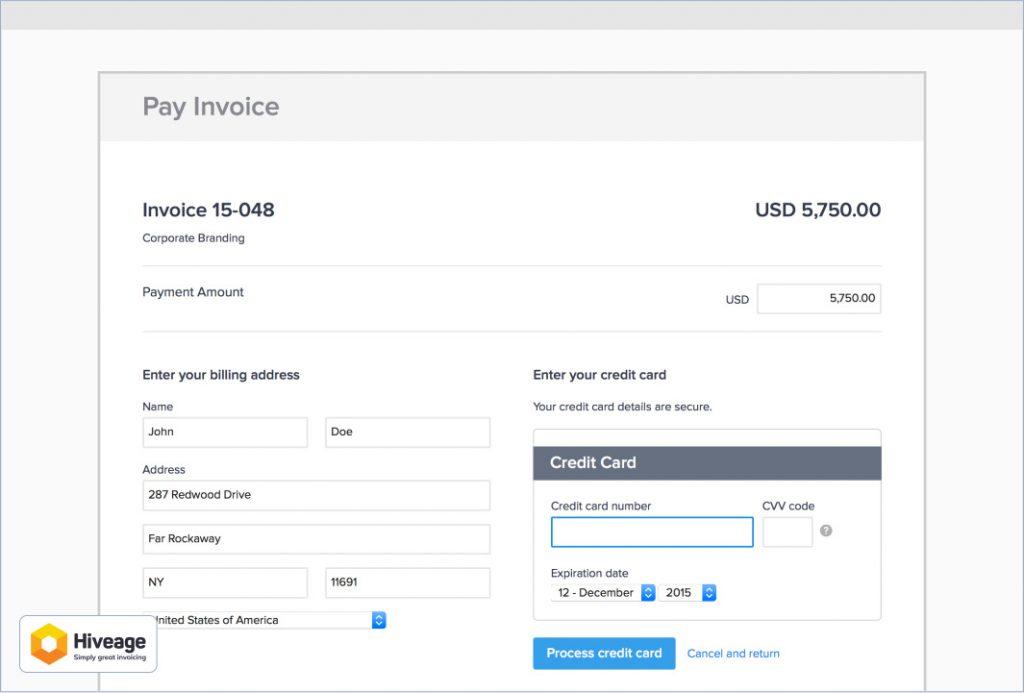
This invoicing solution provides easy-to-use tools for invoicing, recurring billing, expense tracking, and time tracking.
Hiveage allows you to serve your customers better as it keeps them informed of the time quotations, invoices, payment receipts, and account statements. It also supports multiple payment gateways and an intuitive interface that makes it a convenient invoicing solution.
- Shows when clients view invoices
- Quick setup process with minimal learning
- Mobile invoicing available
- Free plan for basic needs
- Email deliverability issues reported by some users
- Customer support response times vary
- Limited advanced accounting features
Makes sending estimates and invoices easy. Customer service has been responsive when I've had questions.
How to Choose the Right Software
Consider these factors when making your decision:
By Business Type
- Contractors/Trades: Look for mobile-first options with estimate capabilities (InvoiceOwl, Wave)
- Freelancers: Consider tools with time tracking and project management (ZipBooks, Hiveage)
- Global businesses: Multi-currency and multilingual support is essential (Invoicera, Xero)
- Enterprises: Scalable solutions with advanced features (QuickBooks, NetSuite, Sage 50)
By Budget
- Free options: Wave, ZipBooks, Hiveage
- Budget-friendly: Invoicera ($3.5/mo), InvoiceOwl ($9.99/mo)
- Mid-range: Zoho Books ($15/mo), Xero ($15/mo), QuickBooks ($17/mo)
- Enterprise: Sage 50 ($60.08/mo), NetSuite (custom pricing)
Must-Have Features
- Invoice customization and branding options
- Automated payment reminders
- Mobile apps for on-the-go access
- Integration with your existing tools
- Multi-currency for international clients
Ready to Streamline Your Invoicing?
Join 100,000+ contractors using InvoiceOwl to create professional invoices and get paid faster. Try our easy-to-use platform with superior customer support.
Try Free for 3 DaysAutomate Invoice Generation with InvoiceOwl
With so many tools available in the market, you need an invoice generation and processing tool that fits your feature, budget, integration, and customer support requirements.
If you're looking for a FreshBooks alternative, you need to opt for a personalized tool that fulfills the invoice generation needs of your small business.
InvoiceOwl is a tool designed to meet the simplistic nature of independent businesses. The tool is available on Android, iOS, and web platforms, which allows users to generate and send invoices from any device and on the go.
Step-by-Step Guide to Automating Invoice Generation with InvoiceOwl
Ready to create a professional invoice? Follow this quick guide to start automating your invoicing process, specifically for recurring payments or subscription-based services, and focus more on growing your business.
Step 1: Set up your InvoiceOwl account
- Sign up or log in to your InvoiceOwl account.
- Fill in your business details, company name, address, and logo.
- Add your preferred payment methods for easy transactions.
Step 2: Add clients and products/services
- Check the Clients section and input your customer details, such as names, addresses, and contact information.
- In the Products/Services section, list your offerings with descriptions, unit prices, and taxes if applicable.
Step 3: Create a template for recurring invoices
- Go to Invoice Settings and select or customize a recurring invoice template.
- Add payment terms, due dates, and notes, such as "Thank you for your business."
- Save the template for future use.
Step 4: Automate invoice scheduling
- Enable automation for recurring invoices in the Recurring Invoices tab.
- Set the frequency, like weekly, monthly, quarterly and start date.
- Assign the client to the recurring schedule and review the automation settings.
Step 5: Track and manage payments
- Use the Dashboard to monitor sent, paid, and overdue invoices.
- Enable payment reminders to notify clients of upcoming or past-due payments.
- Generate detailed reports for tax filing and financial analysis.
Frequently Asked Questions
Pricing is important when choosing accounting tools as it directly impacts your budget and financial management. It is the top priority of small businesses across contractors, fencing, cleaning, carpentry, and HVAC to find the right invoice generation alternative to FreshBooks that offers the essential features and a pricing plan that scales with business growth.
Yes, InvoiceOwl allows brands to customize the invoice to tailor it to their brand colors, logos, and interface to align with the brand's unique identity and visual aesthetics.
Yes, there are numerous cost-effective alternatives to FreshBooks, like InvoiceOwl. Its pricing structure is budget-friendly to small business owners and freelancers who want limited features and pay for just their needs. InvoiceOwl also offers a free plan where users can experience the tool before subscribing to the same.
Yes, businesses can simply import their data in InvoiceOwl and get started. InvoiceOwl also has an efficient customer support team that can assist you with the migration from FreshBooks to InvoiceOwl.
Finding the Perfect FreshBooks Alternative for Your Business
In 2025, choosing the right FreshBooks alternative depends completely on your business's unique needs. Consider factors such as cost, features, or ease of use when choosing invoicing tools.
InvoiceOwl allows businesses to go 100% paperless and automates invoice and estimate generation from start to end while tailoring the invoices and leveraging numerous customization options.
Try the tool for free to check out how it can help your business.